Animated travel maps, made in your browser
Turn any trip into a cinematic map video
Plot your stops, pick a map style and watch the route draw itself by plane, train, car or boat, with your photos popping up at every stop. Export for Reels, TikTok and YouTube in minutes.
- No signup to start
- MP4 up to 4K · 60 fps
- 9:16 · 1:1 · 16:9
12
map styles, satellite to 3D terrain
39
famous routes, ready to edit
4K
at 60 fps with Pro
3D
camera, terrain and vehicles
Three steps to a travel-line video
Plot your route
Search places or click the map. Reorder stops, rename labels, choose plane, car, train, boat or walk for every hop.
Style & preview
Twelve map styles, from vintage paper and dark to real satellite imagery and 3D terrain. Scrub the timeline, tune speed and pauses, and add photos to every stop.
Export & post
MP4, WebM or GIF in 9:16, 1:1 or 16:9, rendered frame-perfect in your browser. Nothing is uploaded to make your video.
Take your trip into 3D
Tilt the camera, follow the vehicle and watch the mountains rise. Satellite imagery, country flags and 3D vehicles turn a route into a film.
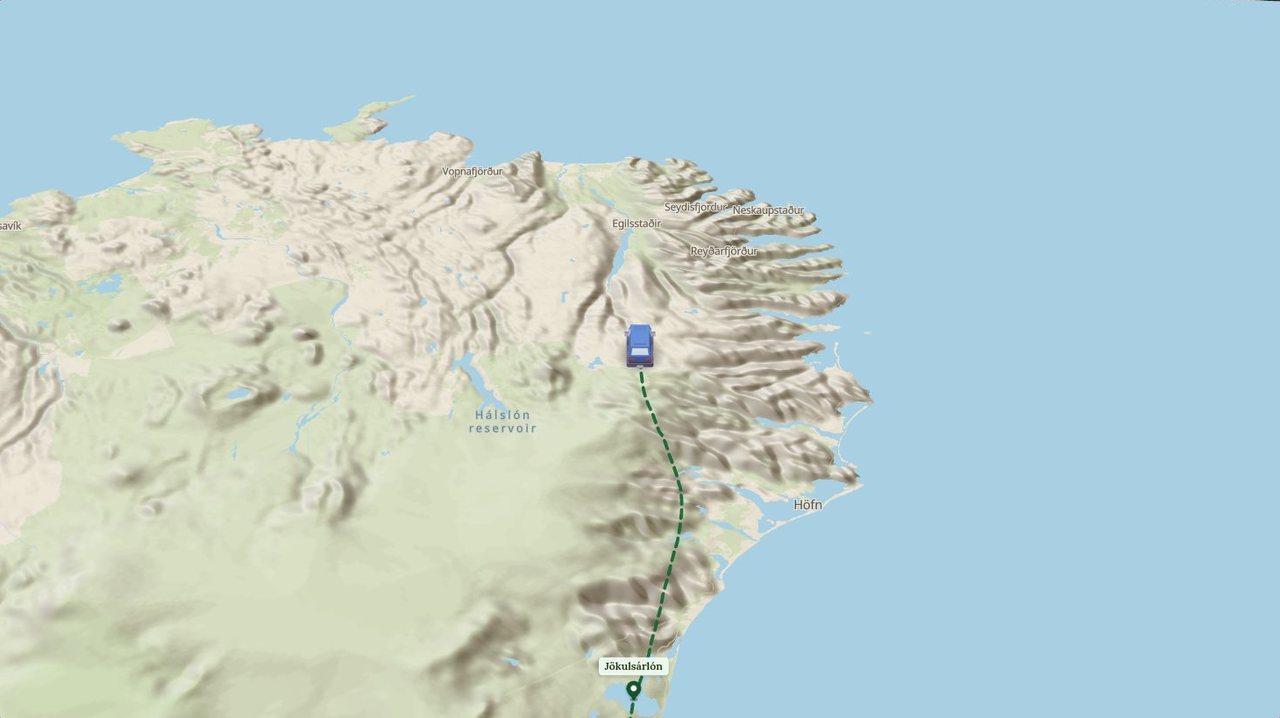
Follow camera on real terrain
The map turns to face the way you travel while the landscape rises in 3D around the route.
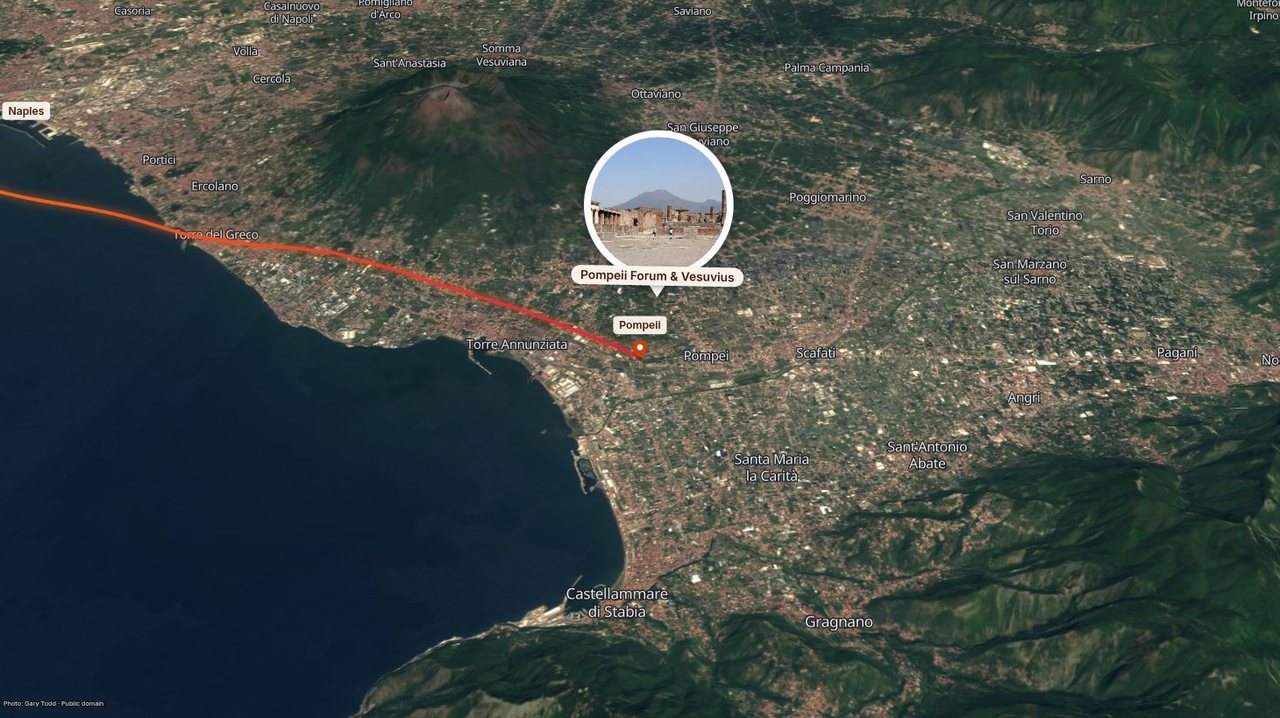
Satellite imagery
Fly over real coastlines with a glowing route and photo bubbles at every stop.
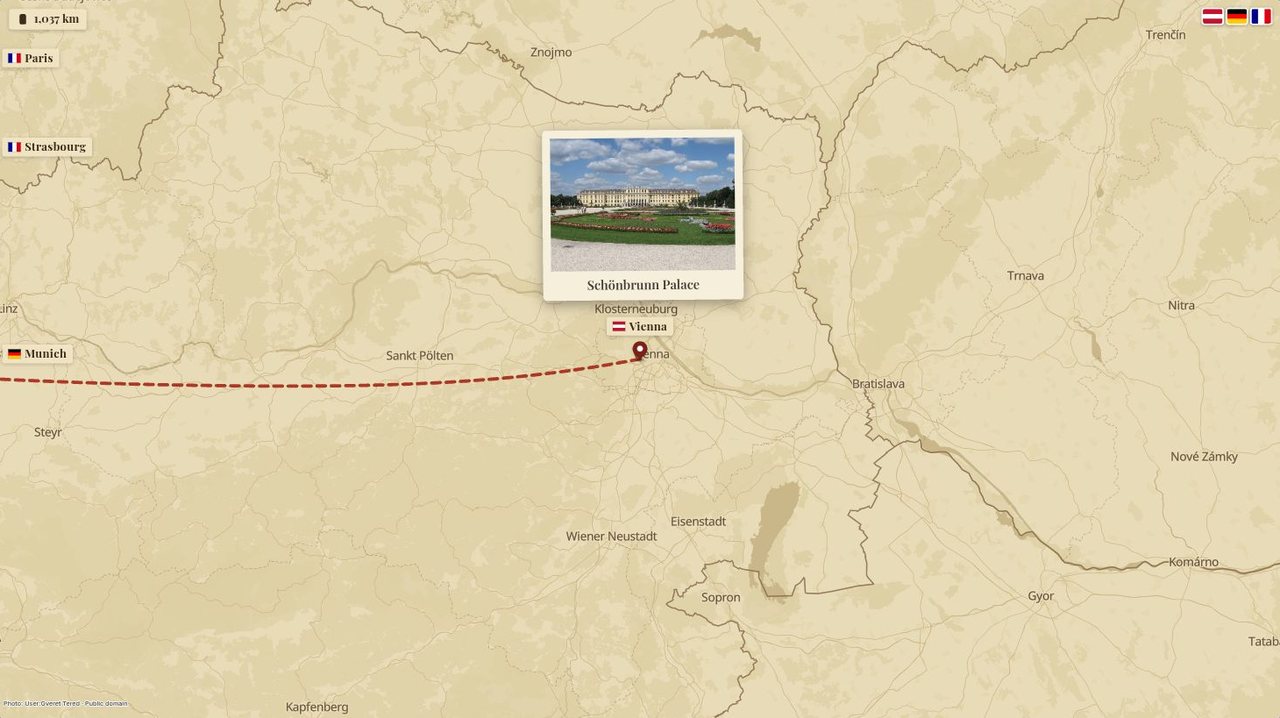
Flags, distances, 3D trains
Country flags pop in as you cross borders, with a live distance counter.
Everything in one editor
Everything a travel-line video needs
A line that draws itself
Your route sweeps across the map stop by stop: the vehicle rides the tip, pins drop in and labels pop up.
Photos at every stop
Polaroids float in when you arrive, with a caption underneath. Make them small, or big and one at a time.

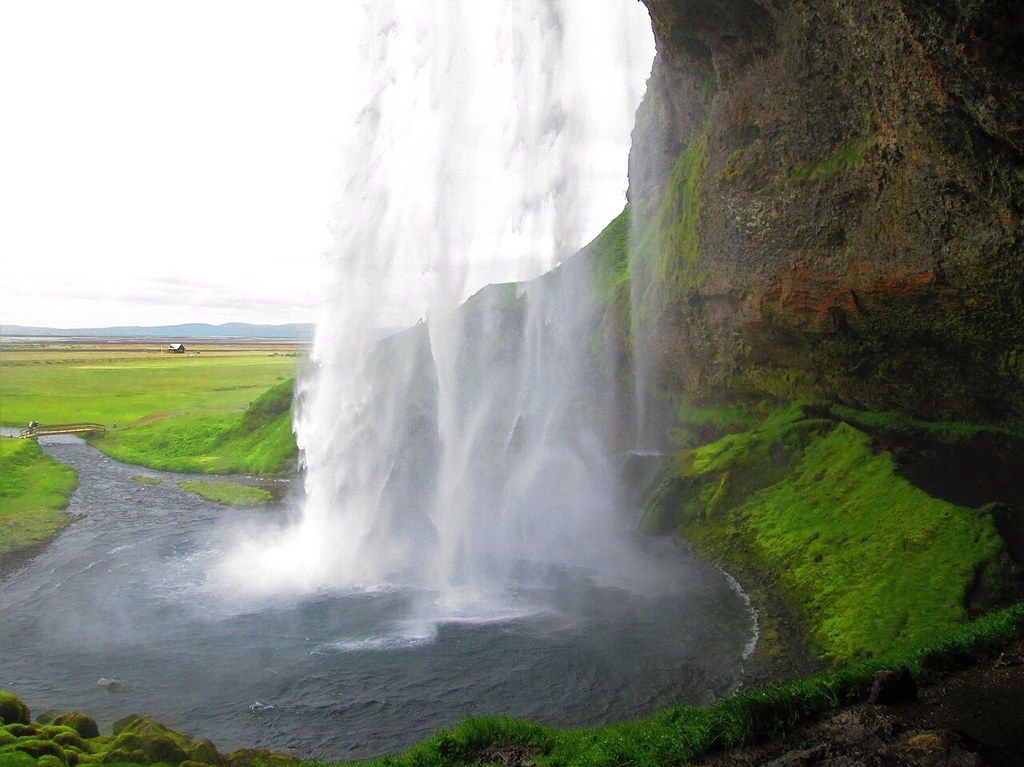
27 vehicles for every way to travel
Airliners and zeppelins, classic cars and covered wagons, steam trains, sailing ships, horses and camel caravans: pick the vehicle for every leg.


Sized for every feed
Vertical for Reels, TikTok and Shorts, square for posts, wide for YouTube.
Up to 4K at 60 fps
Crisp 1080p for everyone, 4K with Pro. Rendered frame by frame, so it never stutters.
Music & sound effects
51 public-domain (CC0) tracks in 11 moods, each one a click away to hear, or bring your own. Whooshes and pops land on cue.
Private by design
Everything renders on your computer. Your photos never leave it unless you save the project.
Route library
Start from a famous route
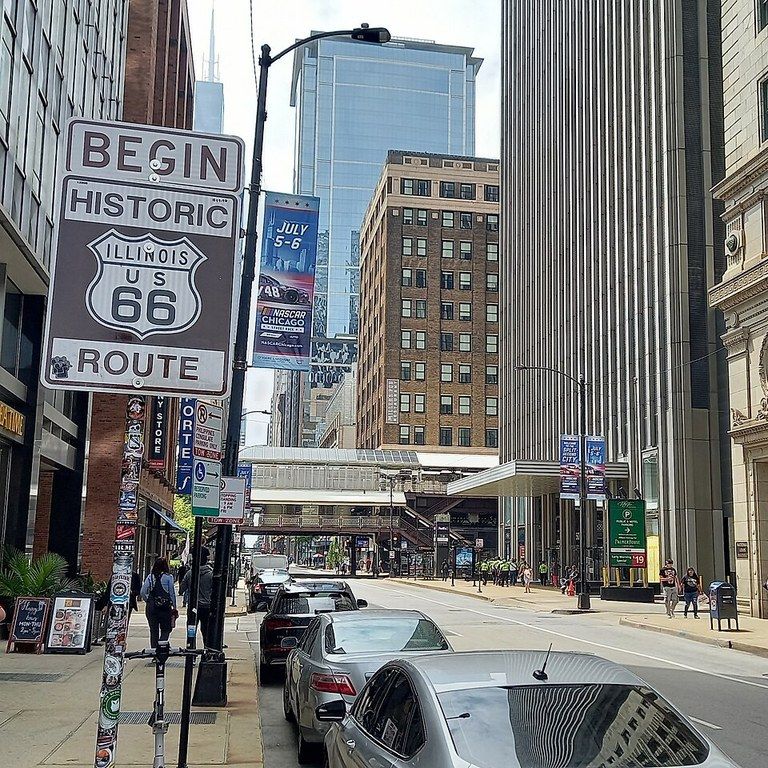
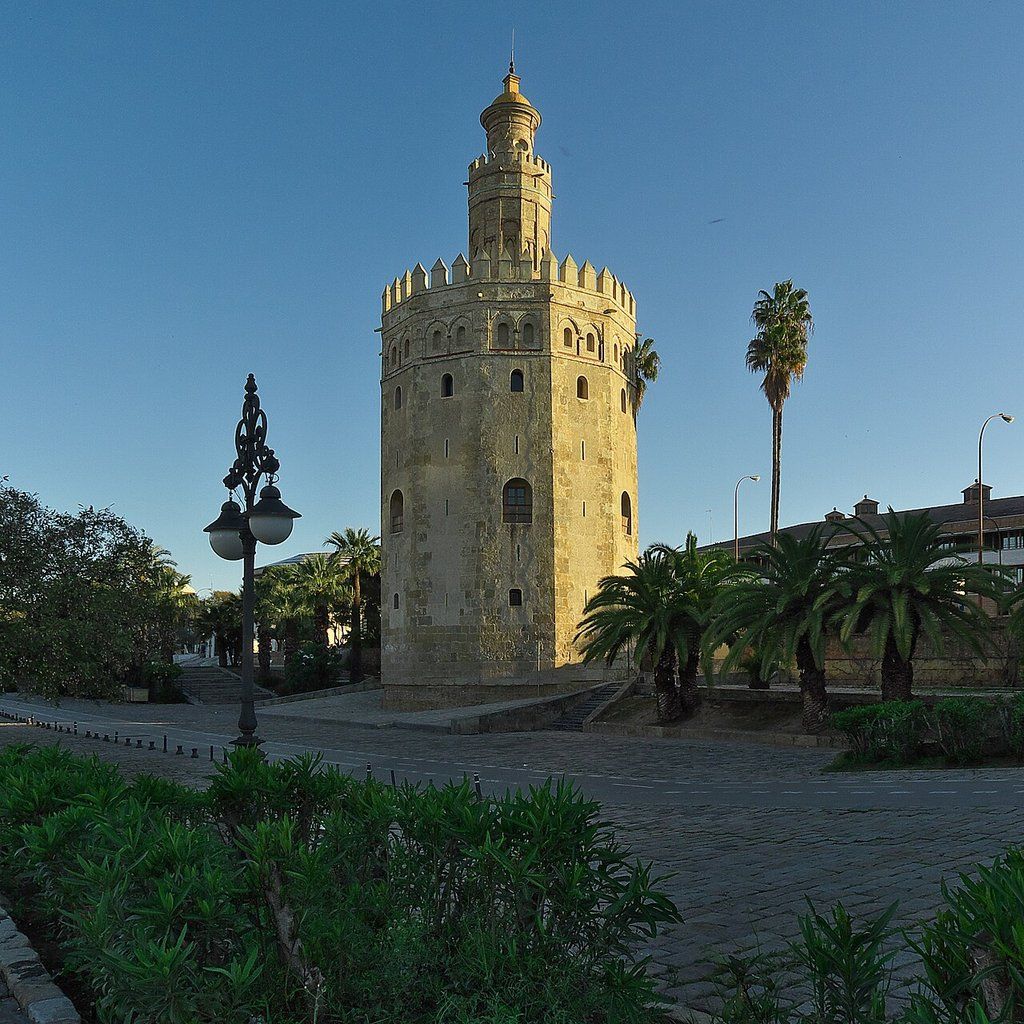
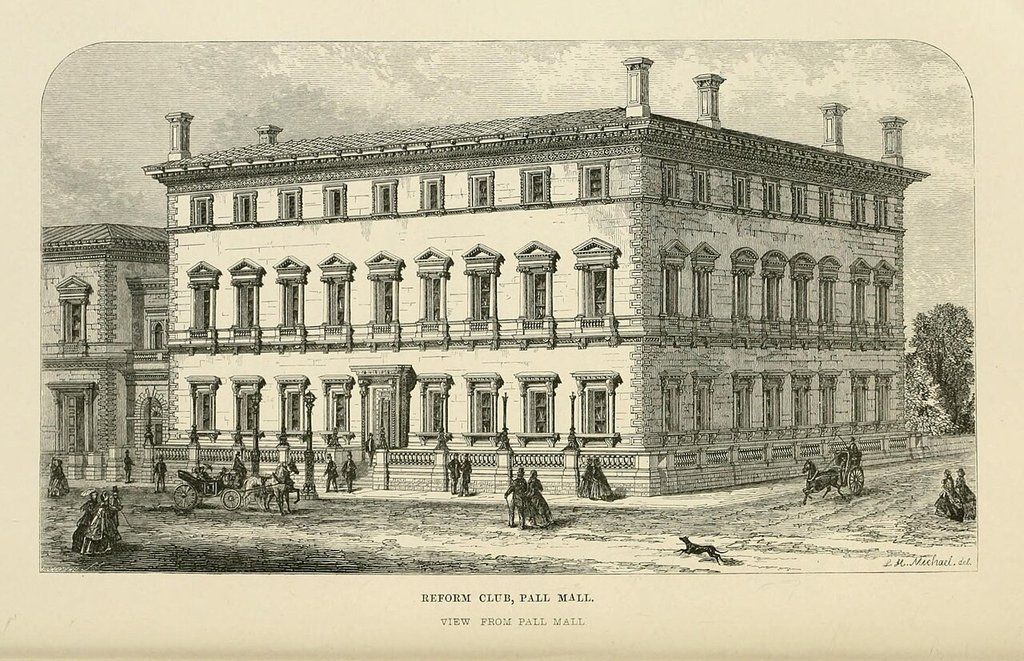
Route 66, Magellan's voyage, the Orient Express, Around the World in 80 Days… stops, real vehicles and photos of the sights are ready. Make it yours in one click.




Styles
Twelve ready-made styles
Open the editor in any of them, then change the map, line, pins, labels and fonts freely.
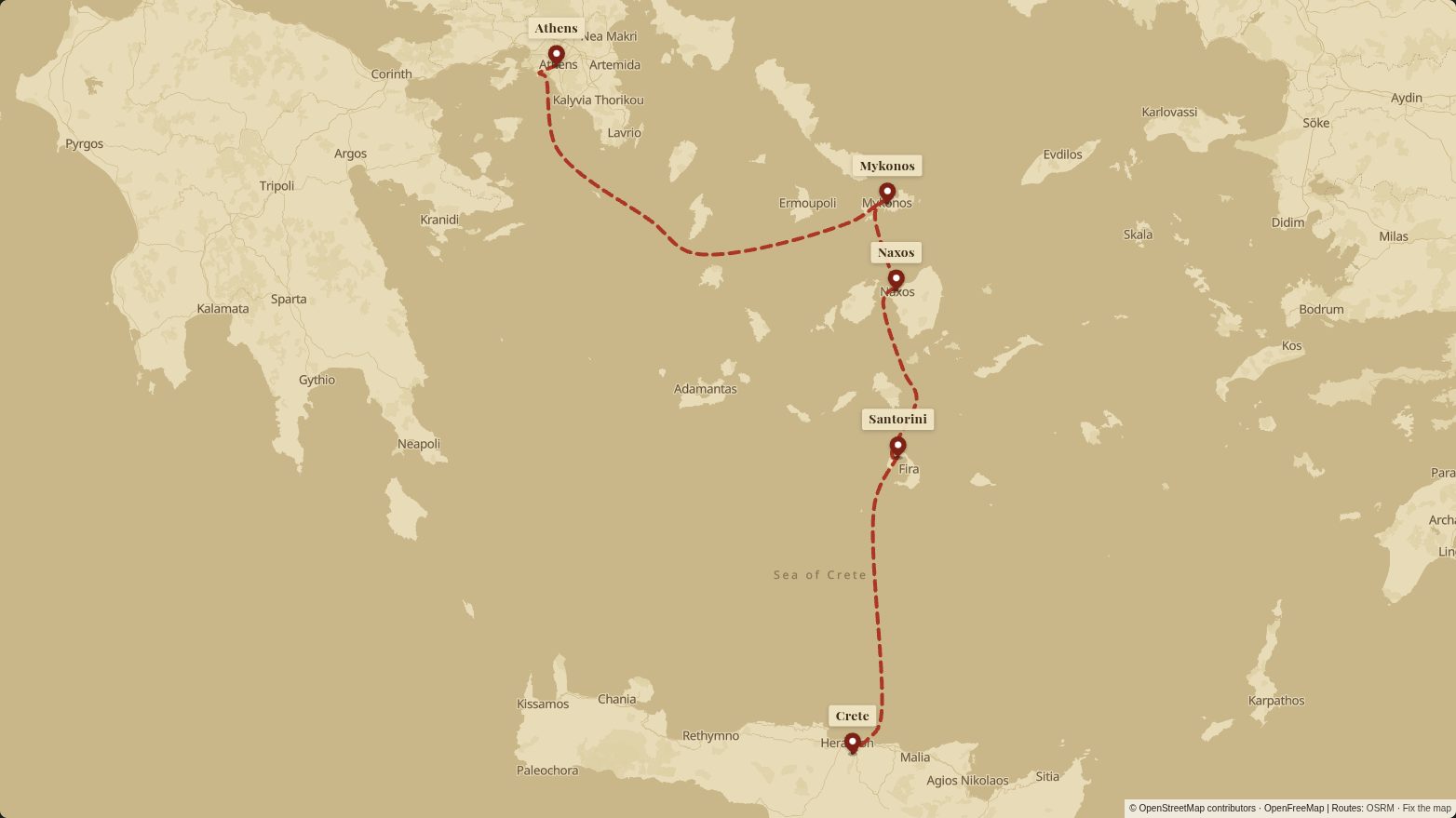
Vintage Explorer
Parchment, dashed red line, serif labels — the Indiana Jones look.
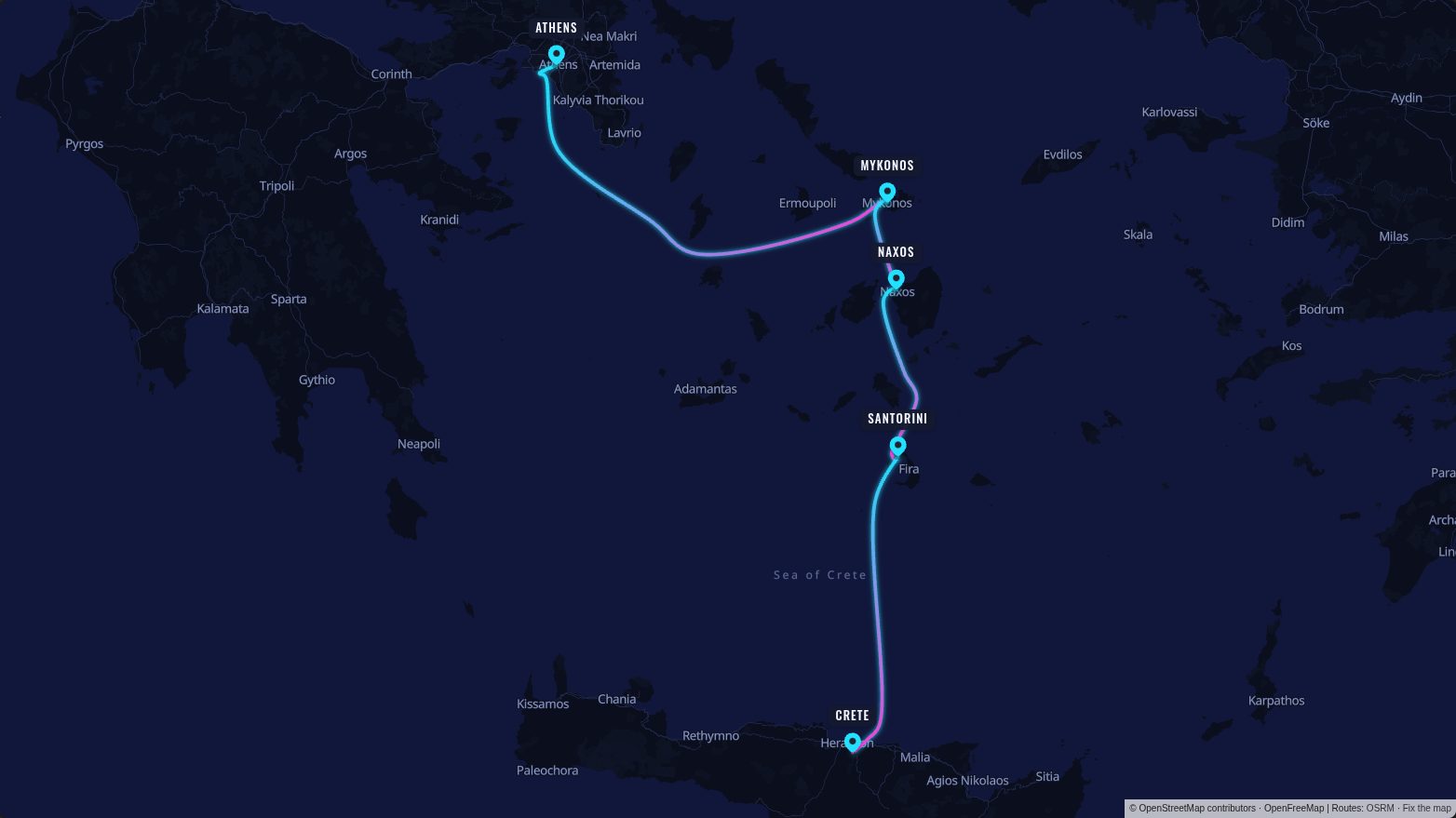
Neon Night
Dark map, glowing gradient line with a subtle pulse.
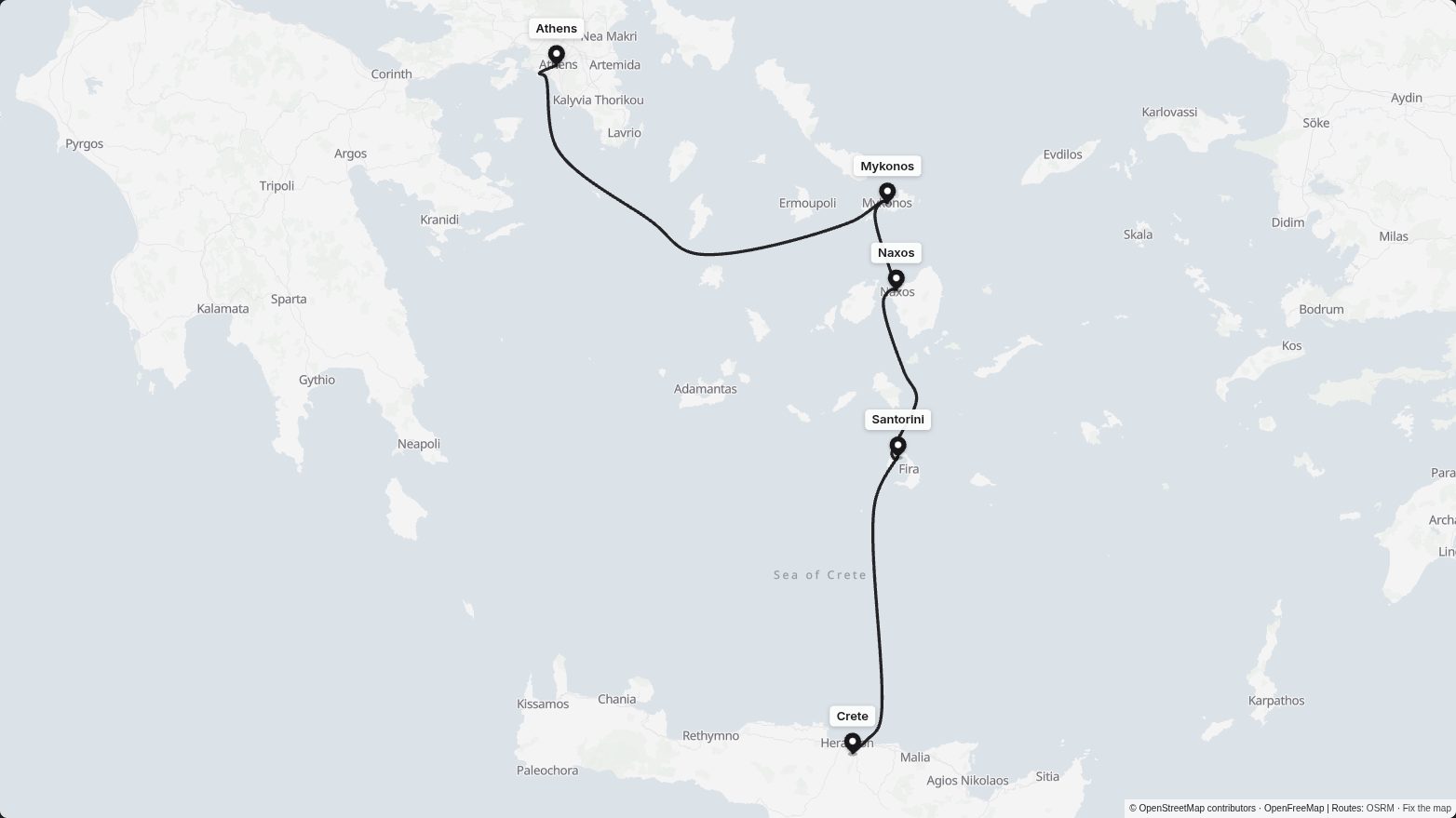
Clean Minimal
Light gray map, one bold line. Lets your story breathe.
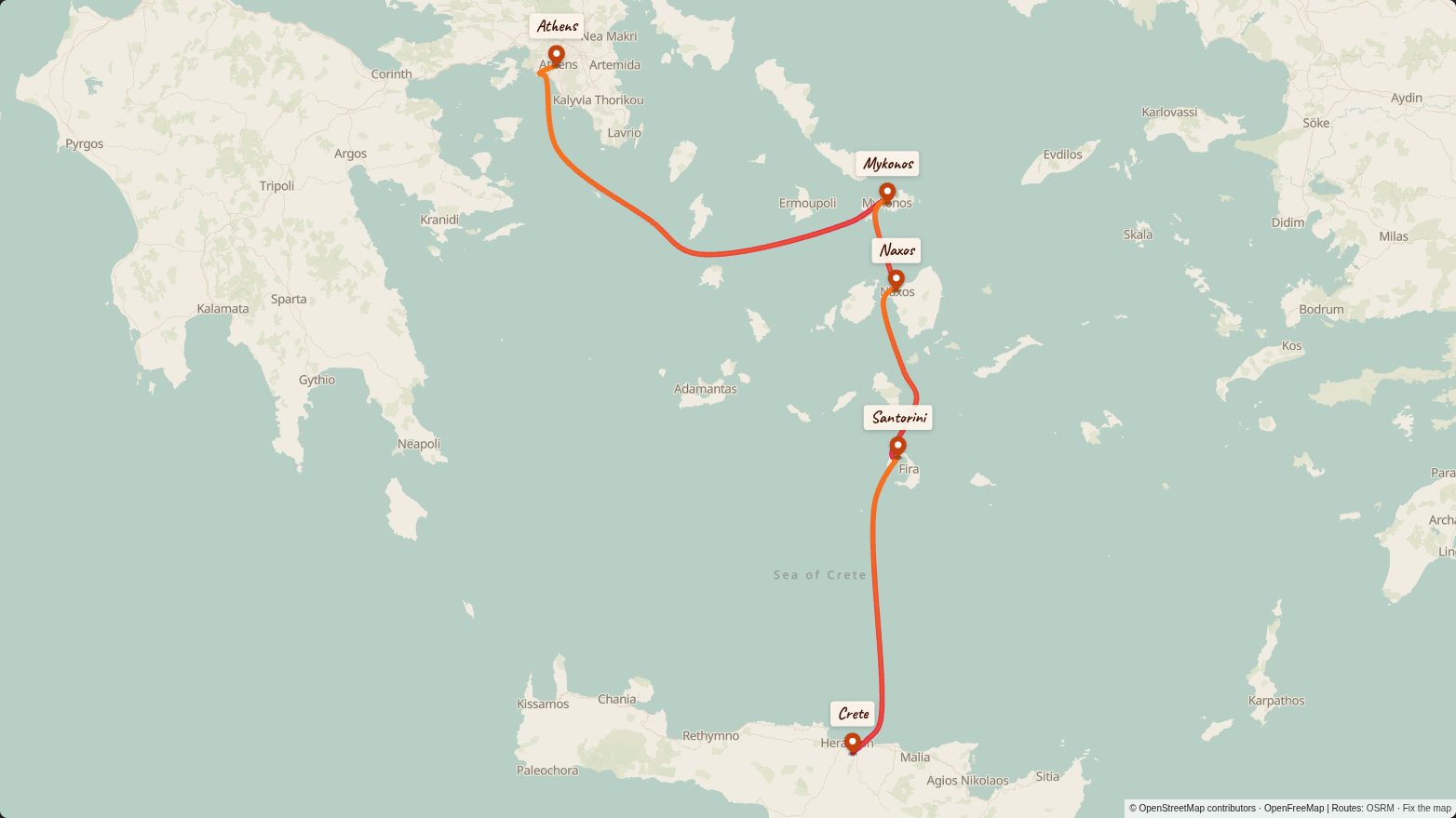
Scrapbook
Muted tones, marker-pen line, made for polaroids.
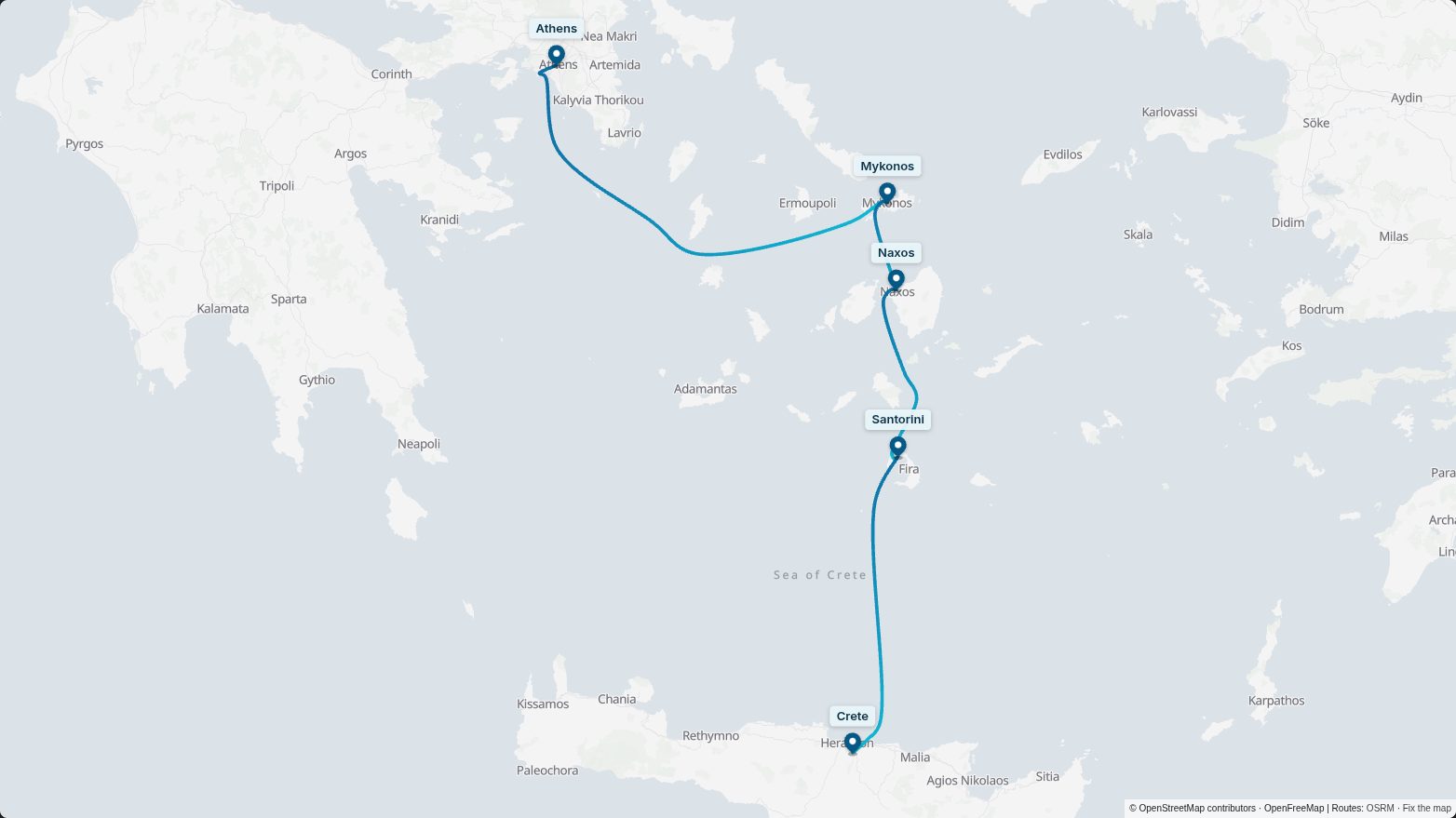
Corporate
Two brand colors on a neutral canvas. Logo-ready.
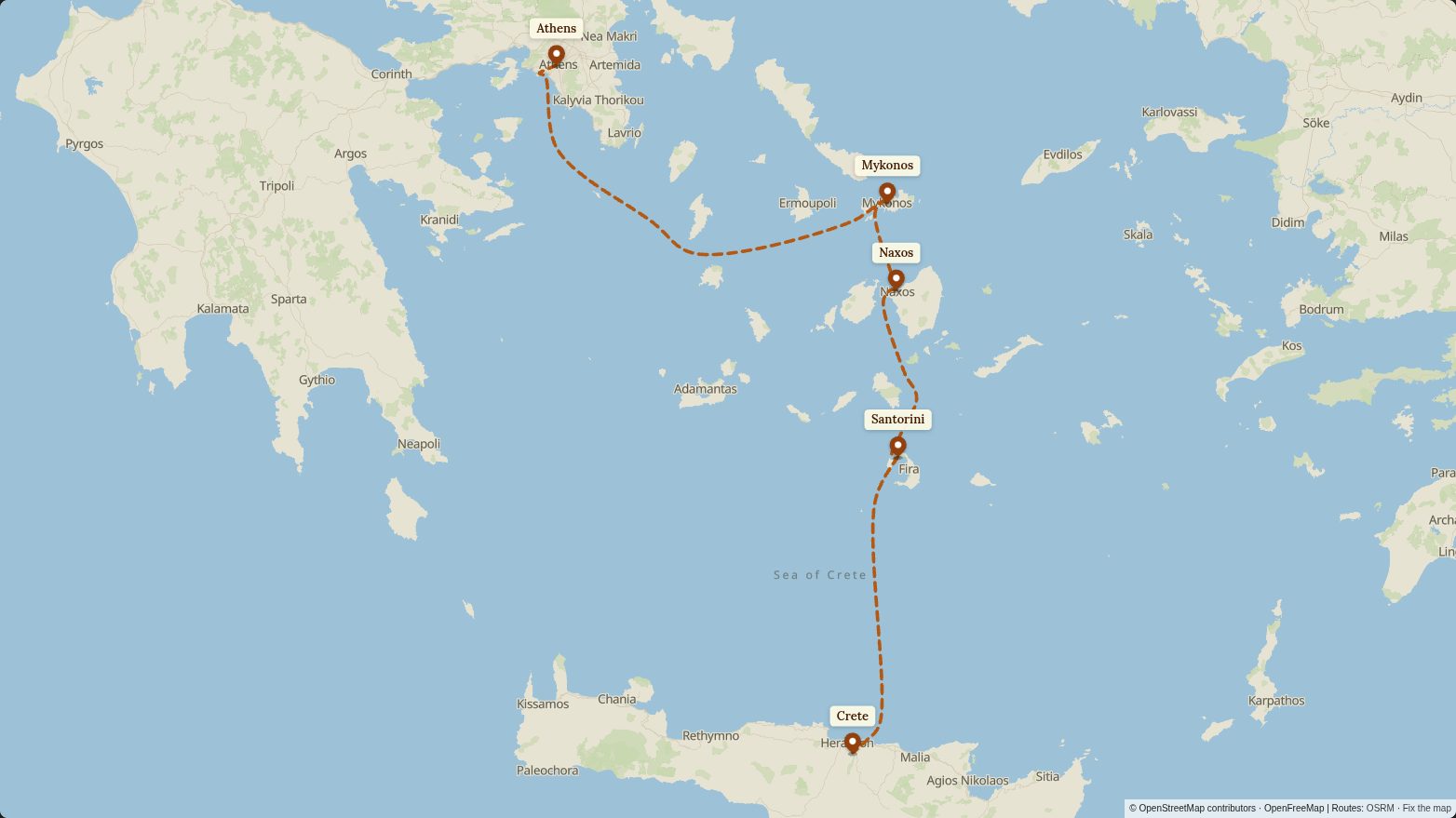
Terra Trek
Earthy terrain tones with a desert-orange trail.
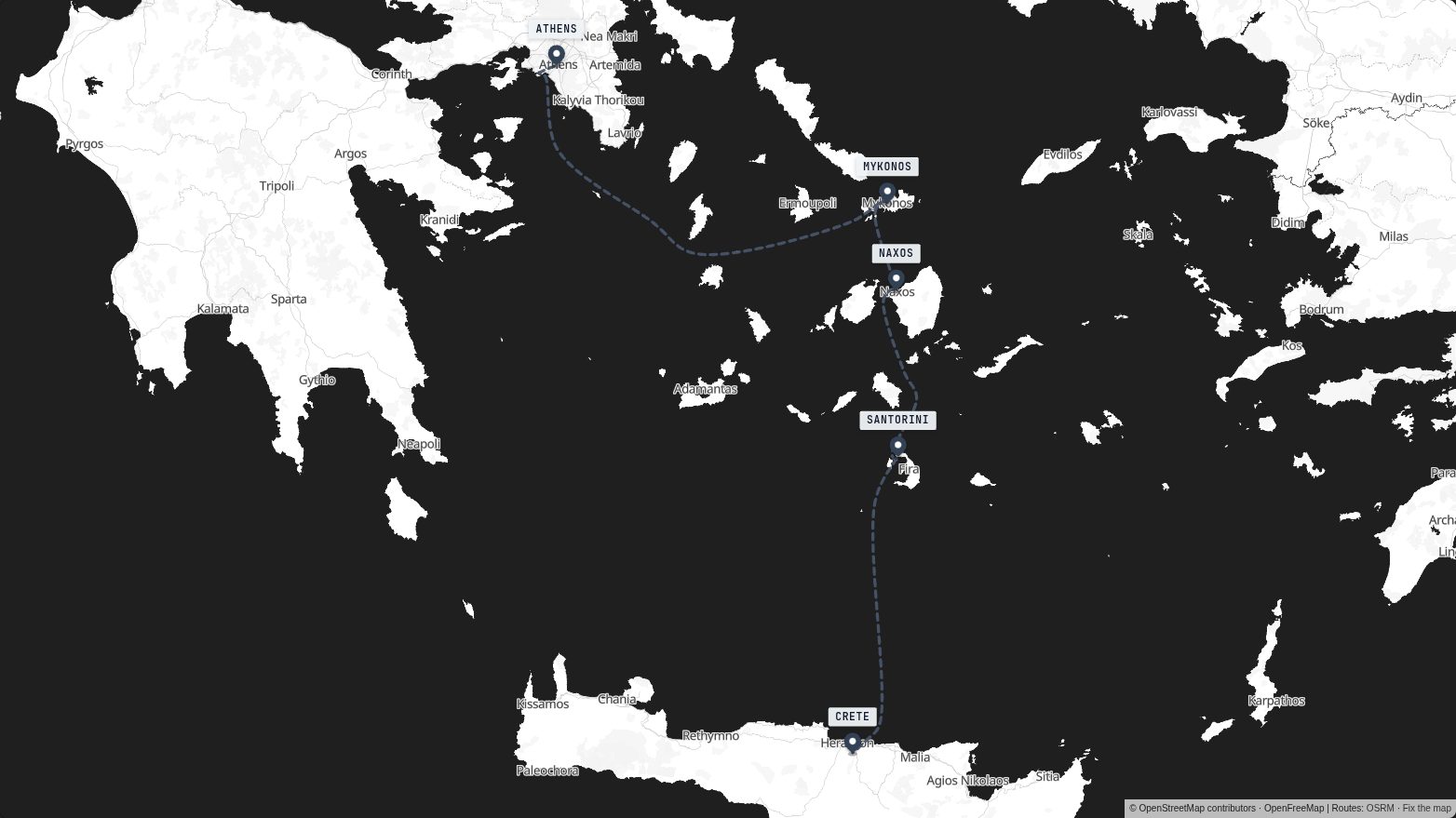
Blueprint
Toner-crisp map with a marching slate line.
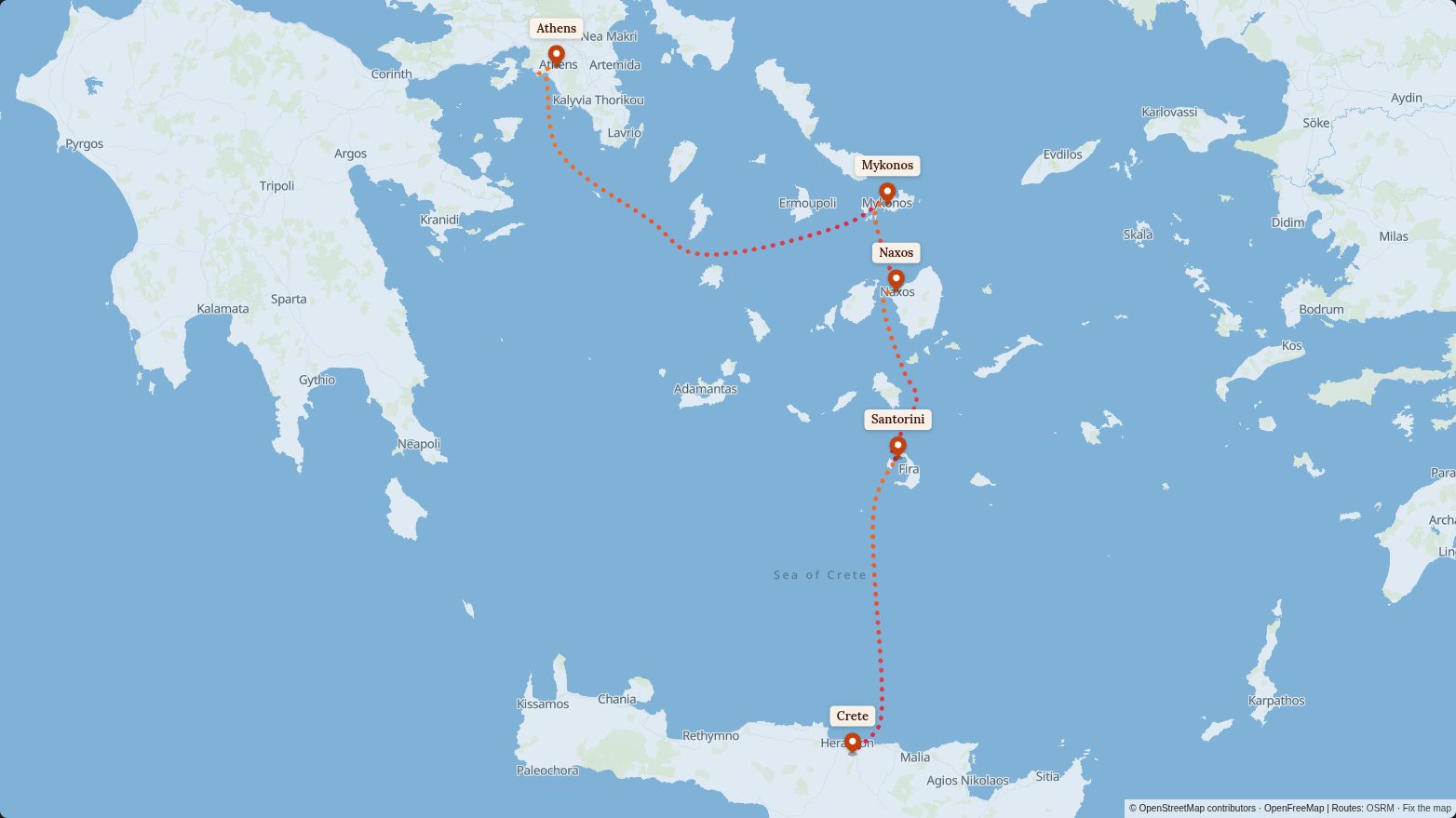
Island Hopper
Sea-blue map, dotted course, made for boat trips.
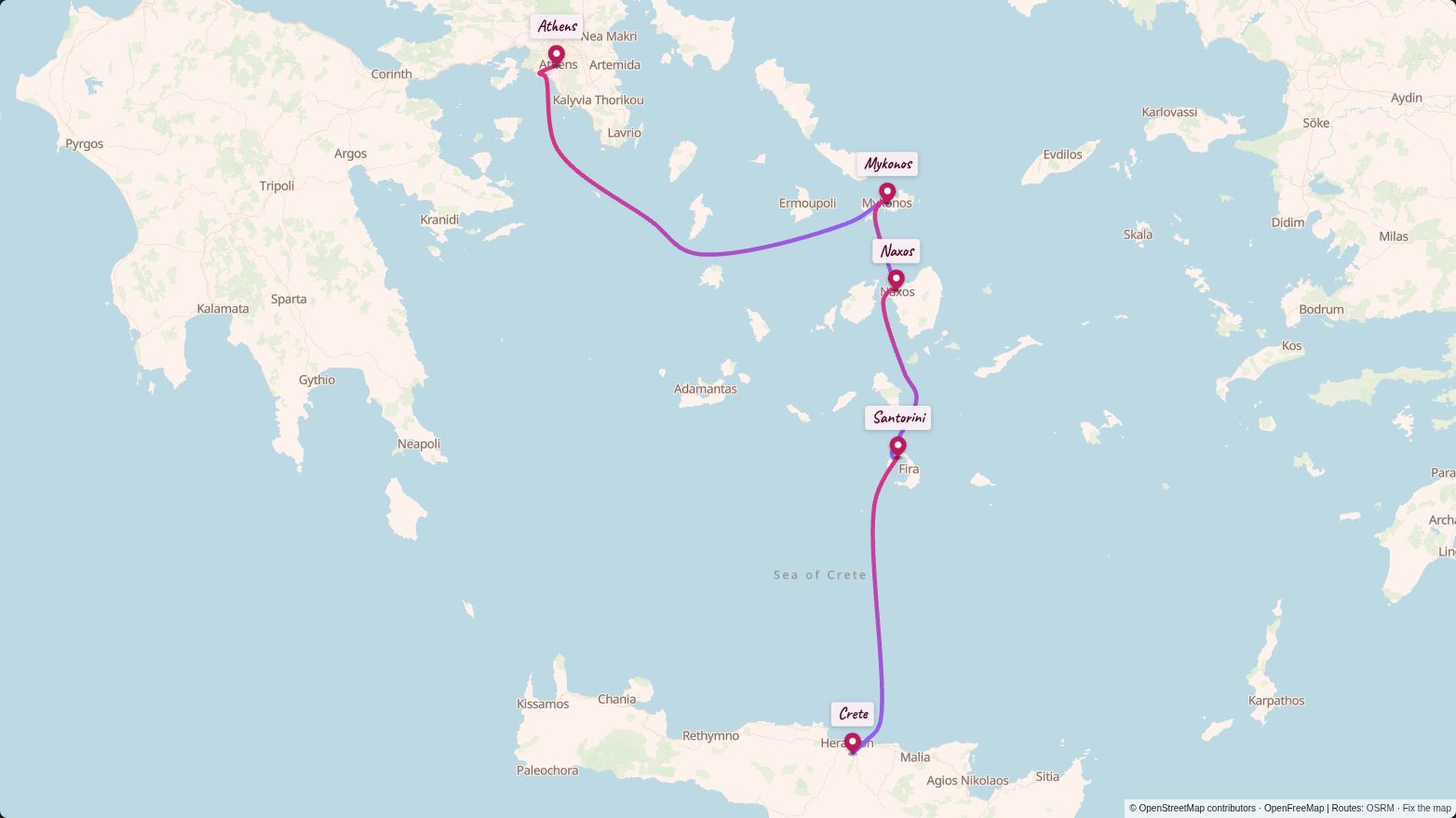
Postcard
Soft watercolor map with a candy-pink route.
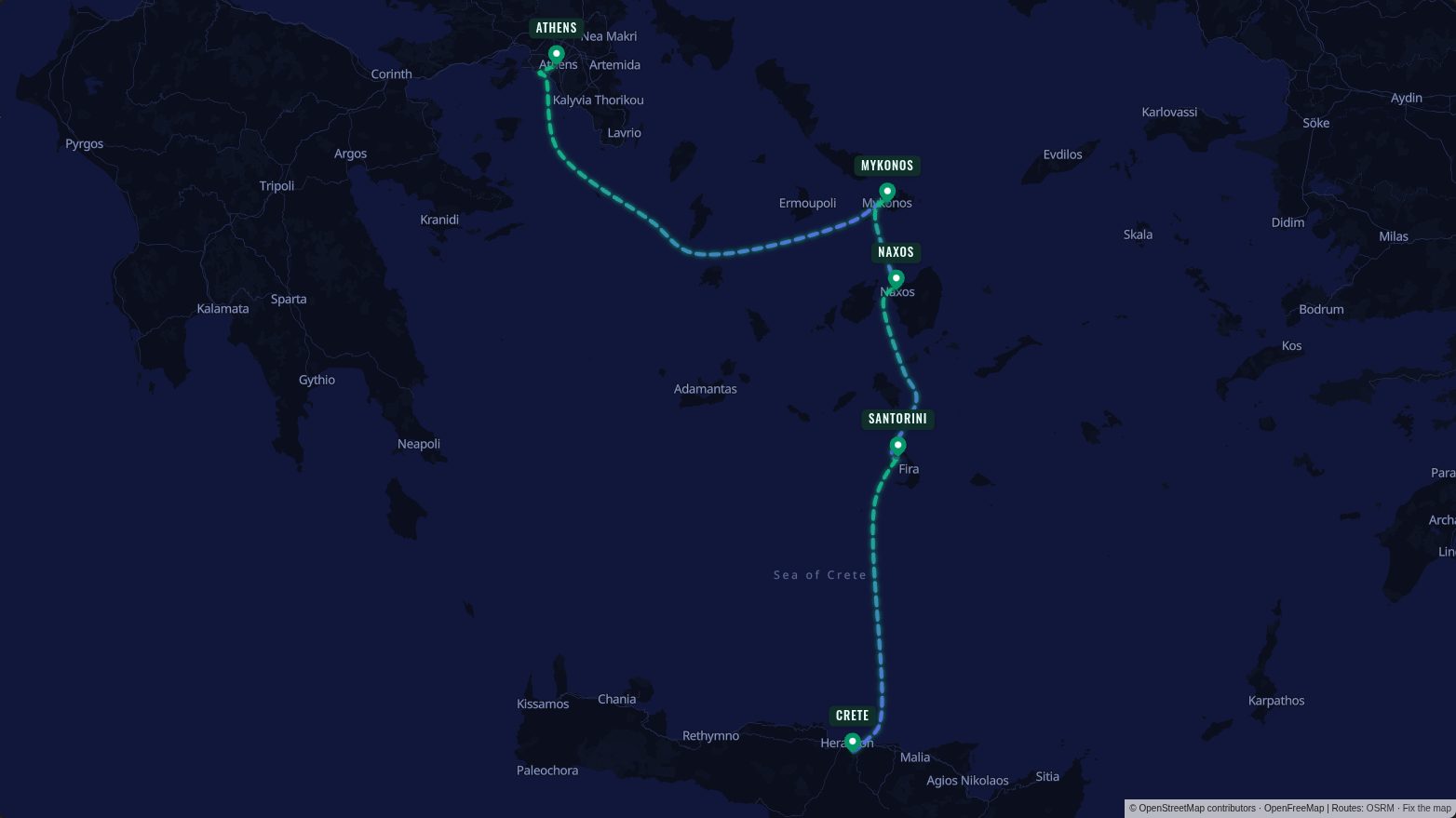
Midnight Aurora
Dark map, aurora gradient, marching glow.
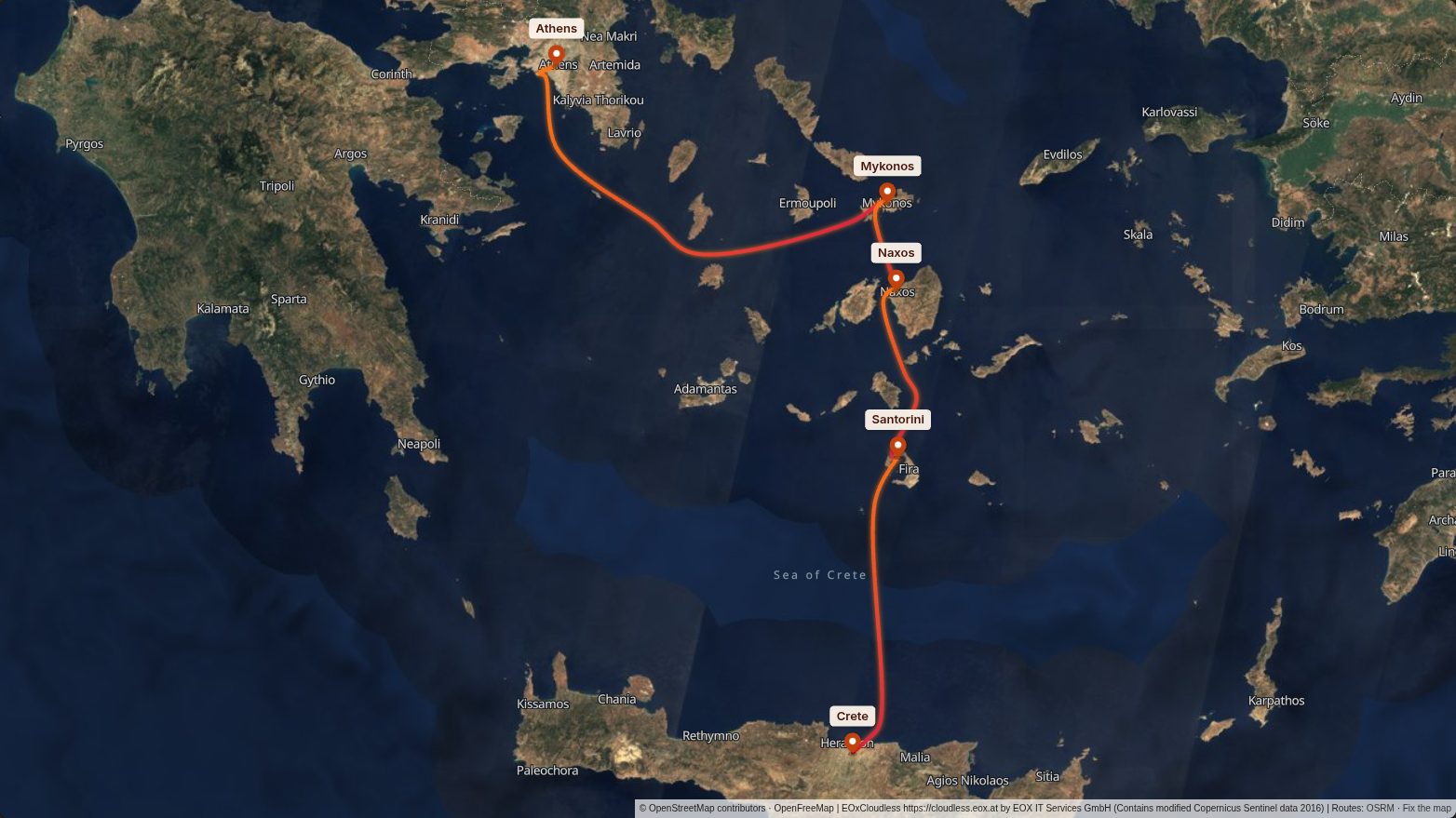
Satellite
Real satellite imagery with a glowing sunset line. Tilt it for 3D.
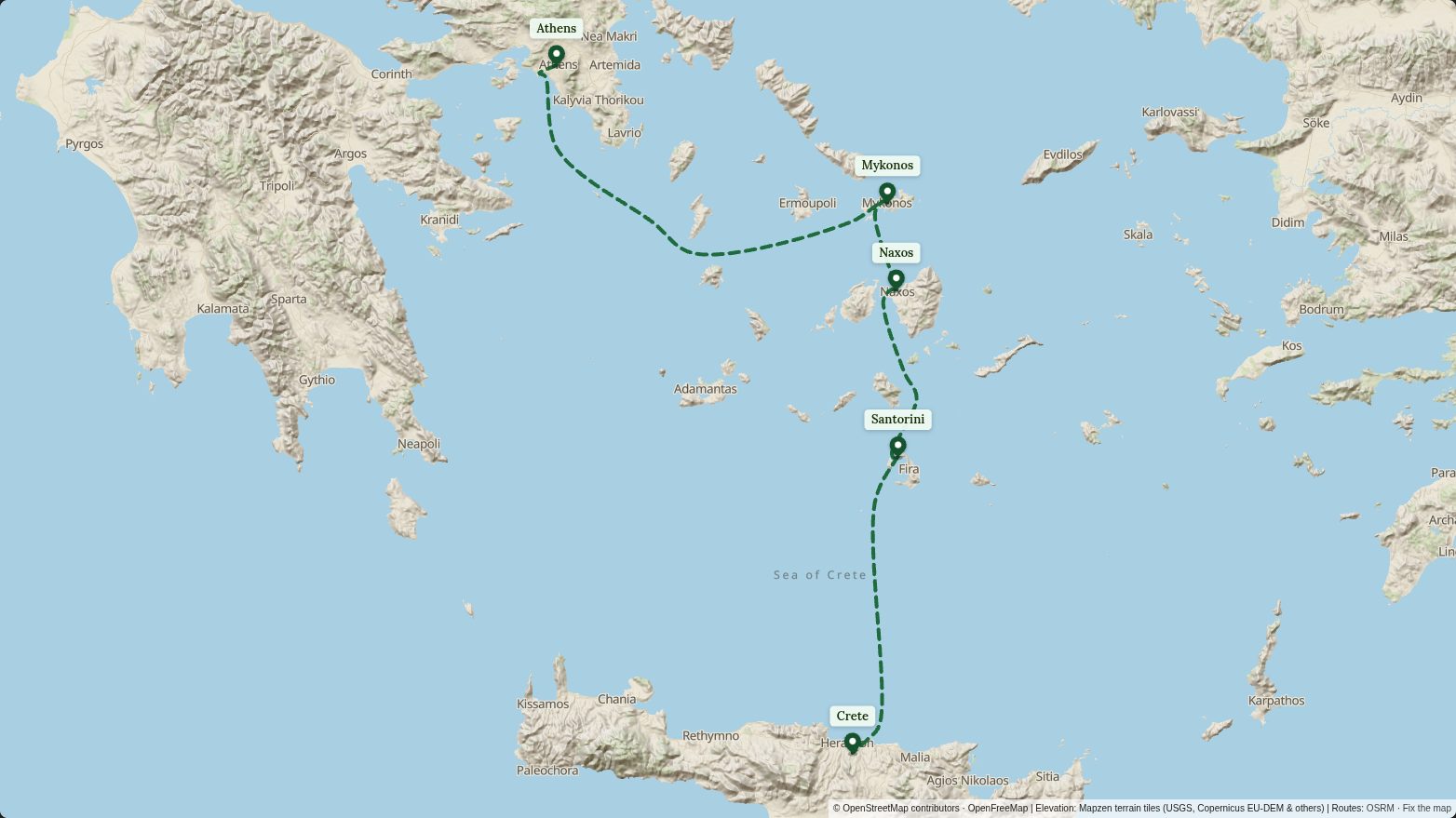
Summit
Shaded mountains and valleys. In 3D, the terrain rises.
Free to make. Cheap to keep.
Build and export as much as you like for free — free videos carry a small “maproute.app” mark. Remove it with Pro or a credit pack.
Free
€0
Every feature to try, unlimited watermarked exports — no account needed.
- Unlimited exports with a small mark
- Every map style, 3D camera, globe and famous route
- Your logo and GPX tracks on watermarked videos
- 1080p at 30 or 60 fps
- 1 clean export when you sign in
- Save up to 5 projects
Pro
€59/year
Unlimited clean exports with 4K, your logo and GPX tracks, all year. Or €12/month, billed monthly.
- Unlimited watermark-free exports
- 4K or 1080p · 30 or 60 fps
- Your logo or brand kit on clean exports
- GPX tracks on clean exports
- Unlimited saved projects
Clean credit packs — 3 for €5 or 10 for €15, never expire · Prices include VAT where applicable.
Frequently asked questions
What does MAPROUTE do?+
MAPROUTE turns a trip into an animated map video: you add your stops, pick a map style, and export a video in which the route draws itself from stop to stop. Choose plane, car, bus, train, boat or walking for each leg (27 vehicles in all), add photos at your stops, music and your logo, and export for Reels, TikTok, Shorts or YouTube. It runs in your web browser, with nothing to install.
Is MAPROUTE free?+
Yes: making and exporting videos is free and unlimited, with a small “maproute.app” watermark on free videos, and every feature is free to try. To remove the watermark, sign in for one free clean export, then buy credits (3 for €5 or 10 for €15, one clean 1080p export each) or go Pro (€12 a month or €59 a year) for unlimited clean exports with 4K, your logo and GPX tracks. Prices include VAT where applicable.
How do I remove the watermark?+
Export a clean video: your first one is free when you sign in, each credit removes the watermark from one export, and Pro removes it from all of them. Free videos carry a small “maproute.app” mark near the top of the frame. The small “© OpenStreetMap contributors” map credit stays on every video that shows the map, as the map data’s licence requires.
Do I need to sign up?+
No: you can build and export watermarked videos without an account. Sign in with a one-time email link to save your projects, get your free clean export, or buy credits or Pro.
Which formats, sizes and frame rates can I export?+
MP4 and WebM video in 1080p at 30 or 60 fps, plus animated GIF, in vertical 9:16 (1080×1920), square 1:1 (1080×1080) or wide 16:9 (1920×1080). Pro adds 4K (up to 3840×2160), which needs Chrome or Edge on a computer. GIFs are up to 480 px on the long side, 15 fps and 15 seconds.
Which map styles and travel modes are there?+
There are 12 map styles, including satellite and 3D terrain, and 6 travel modes (plane, car, bus, train, boat and walking) with 27 vehicles, from airliners and steam trains to camel caravans and sailing ships. You can also choose from 10 colour palettes, 6 fonts and 4 camera views (flat, tilted, follow and street-level), show the whole Earth as a globe, and start from 39 famous routes (from Route 66 and the seven wonders to the world's best beaches and the Odyssey) or 12 ready-made styles.
Can I use the videos commercially?+
Yes: you may use your exported videos for personal and commercial purposes, including ads. Map data is © OpenStreetMap contributors under the Open Database License; every export that shows the map includes this credit, and you must not remove it. The built-in music is public domain (CC0) and free to use, and the famous-route photos are public domain or CC BY, credited on screen while they show.
Your next trip deserves a better recap
Build your first animated route right now — free to start, straight in the browser.
Open the editor